
Magnifier tool
This tool is especially for teachers. Suppose you are giving a presentation to your students on your computer which is connected to a projector or a large screen. So It will be very difficult for students to perceive the text or paragraph on the. So you can use the magnifier tool to magnify the content or the window.
To use the Magnifier tool, just click on the search button and search "Magnifier".
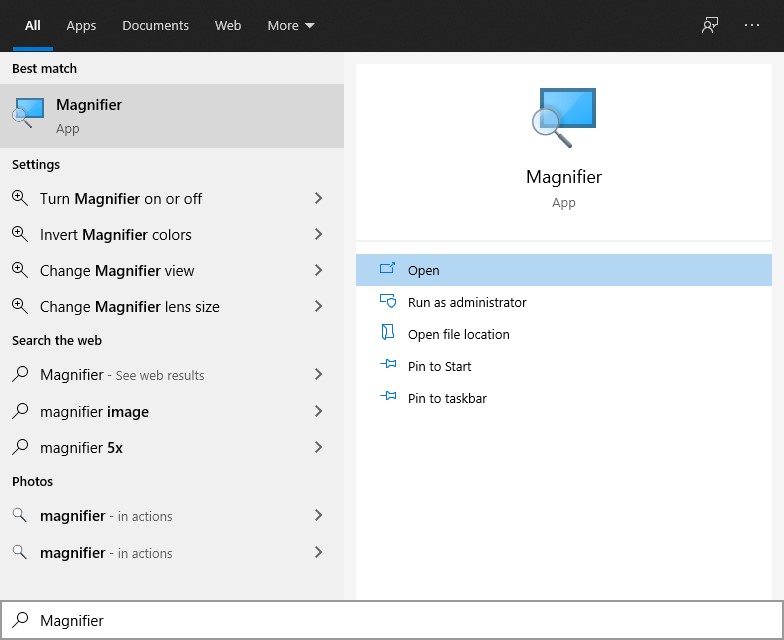
Use the "+" symbol to magnify the window.
.jpg)
Fig: Magnifier tool
It is also difficult to locate the mouse pointer too. So you can increase the size of the mouse pointer.
To increase the mouse pointer size click on the "Ease to Access" option in the setting section.
.jpg)
Then select the "Mouse pointer option"
.jpg)
Then adjust the size of the mouse pointer.
.jpg)