Dictation
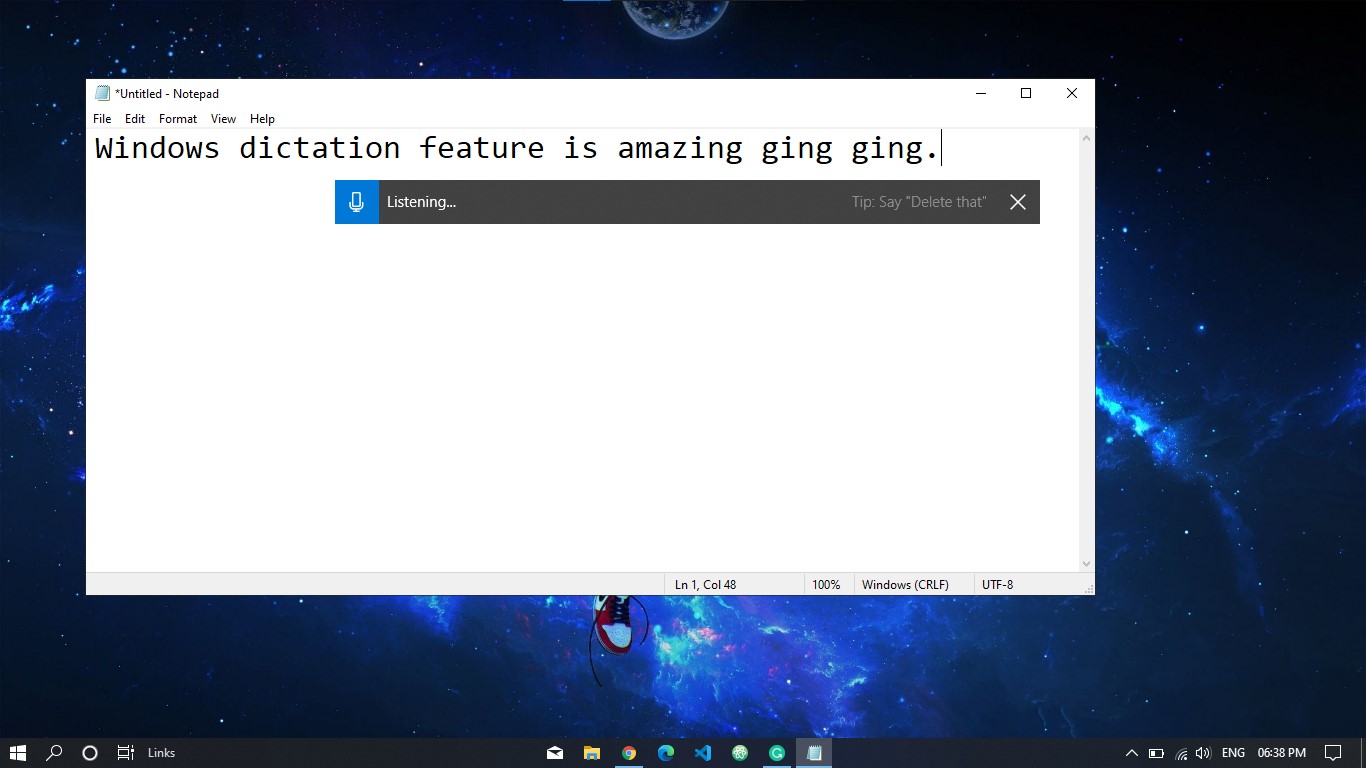
Stop typing start dictating. Windows 10 has an awesome feature called Dictation which can convert spoken words into text anywhere on your PC.
To start dictating, just select the text field and press Start + H to open the dictation toolbar. Then say whatever you want.
To stop dictating at any time while you're dictating, just say “Stop dictation.”