
Enhanced Windows Search
Windows enhanced search mode enables you to search the whole computer from the search bar. To enable the enhanced search mode, click on the "Search" option in the settings menu.
Then click on "Searching Windows".
Click on the "Enhanced" option.
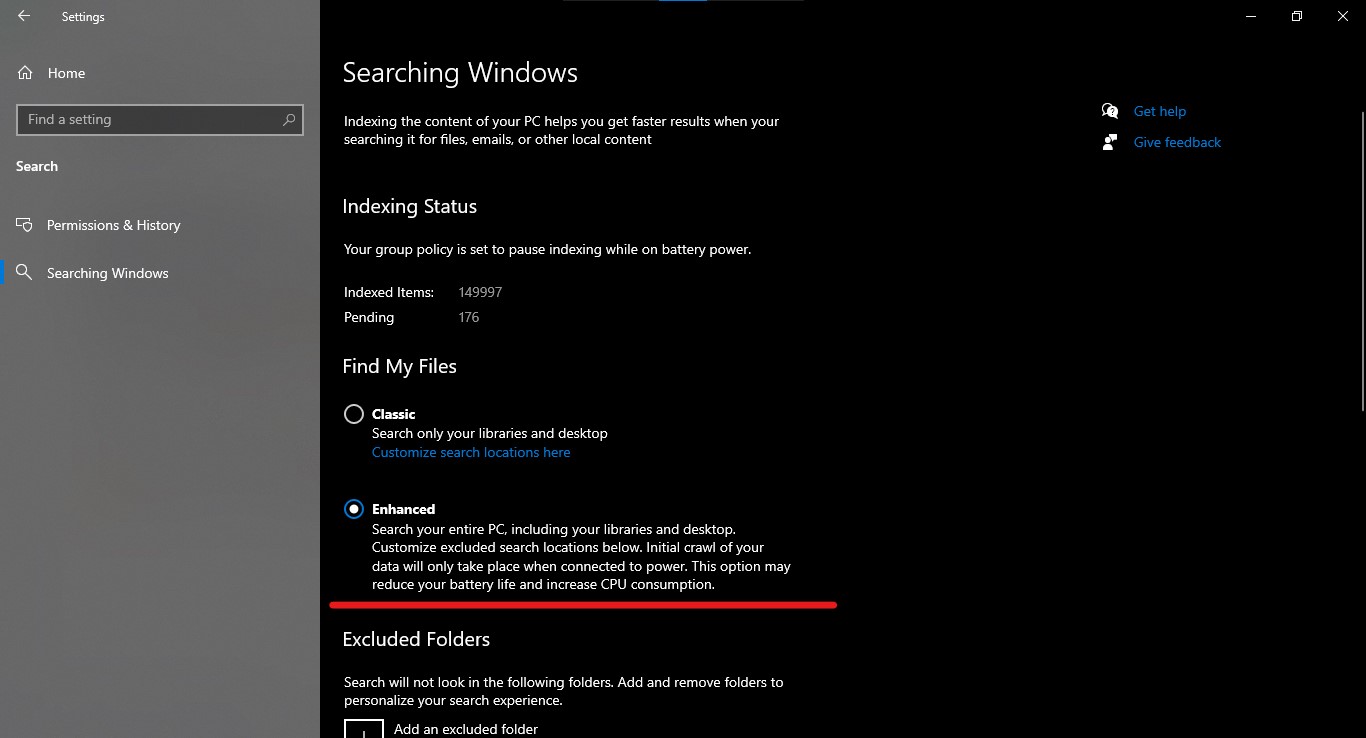
Now you can search your whole Pc from the search bar.