
Clipboard
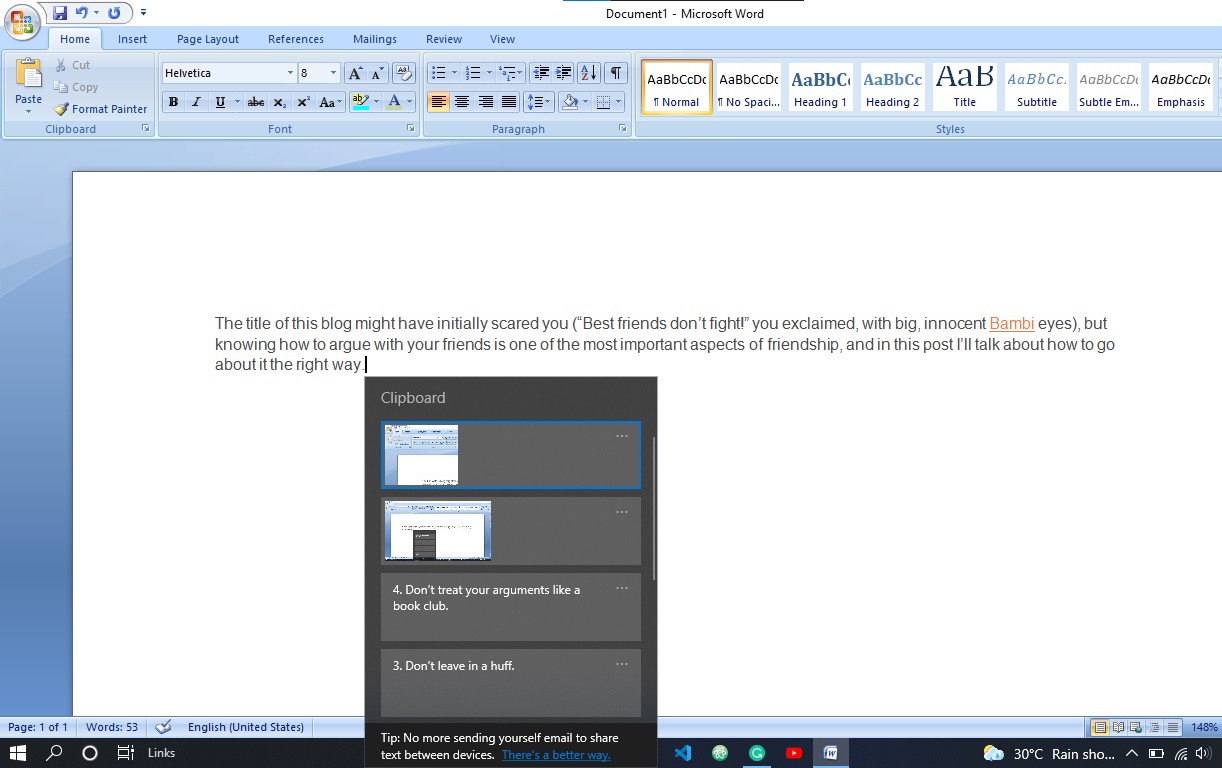
You can copy multiple lines at the same time using the "Windows Clipboard" tool. Suppose I want to copy some lines from a website to write an essay(Fig: 2.17).
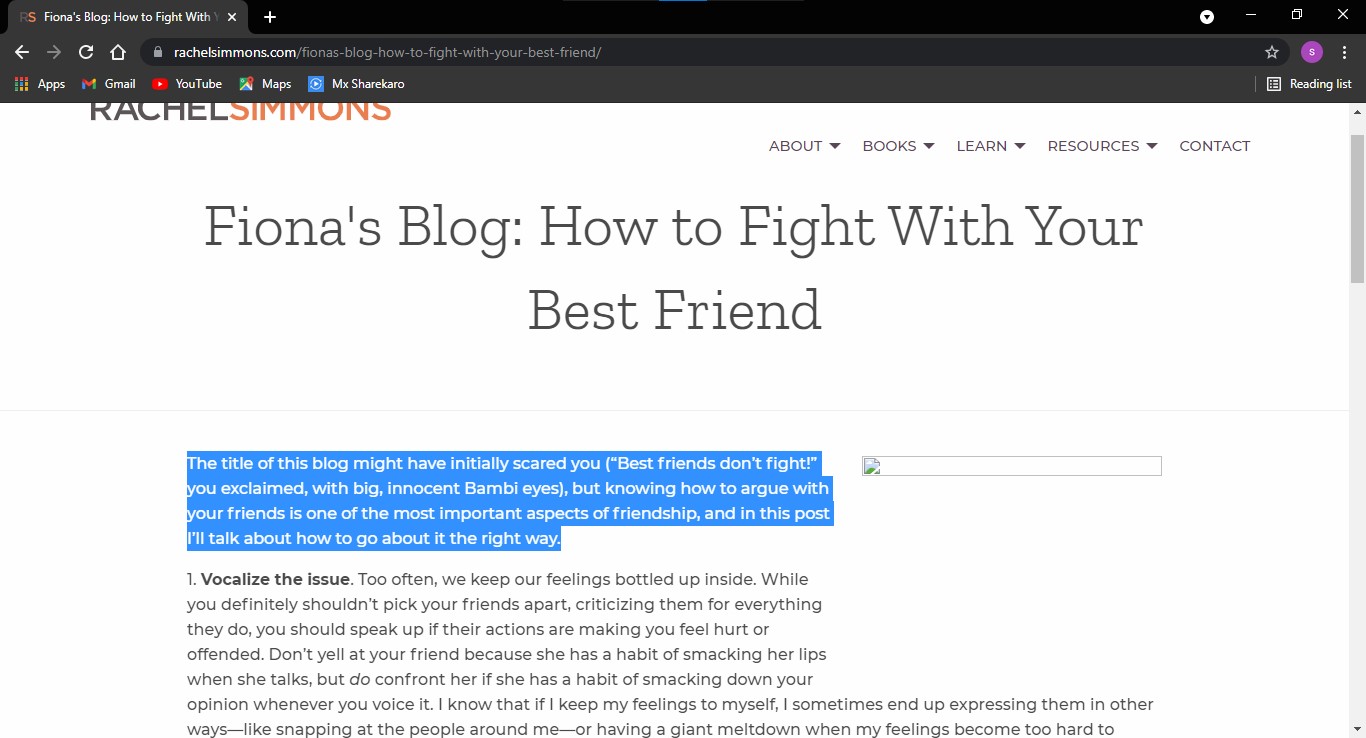
So, I will just copy the lines by pressing Ctrl + C. Now, I will press Start + V to open the Clipboard tool. And navigate the clipboard and then select the copied lines which I want to paste first.
Trick 3
Suppose I want to open an app of my taskbar.

So, I want to open the first app of my taskbar which is mail in my case then I will simply press Start + 1 because it is the first app of my taskbar, if I want to open the second app I will press Start + 2 if I want to open the third app of my taskbar I will press Start + 3 and so on.